






Zendesk × EVOX —
all-in-one integration

auto-creates tickets after every call

Embed phone communication into your CRM workflow — from inbound to outbound — and boost team efficiency.

When your phone system and Zendesk are separate,
customer contacts fall through the cracks

Manual ticket creation results in lost details

After every call, agents must manually create Zendesk tickets — a process that not only takes time but risks missing key information, making follow-up difficult.

Scattered customer data leads to inconsistent service

Without instant access to caller identity and interaction history during a call, agents must reverify basic information every time — degrading responsiveness and customer experience.

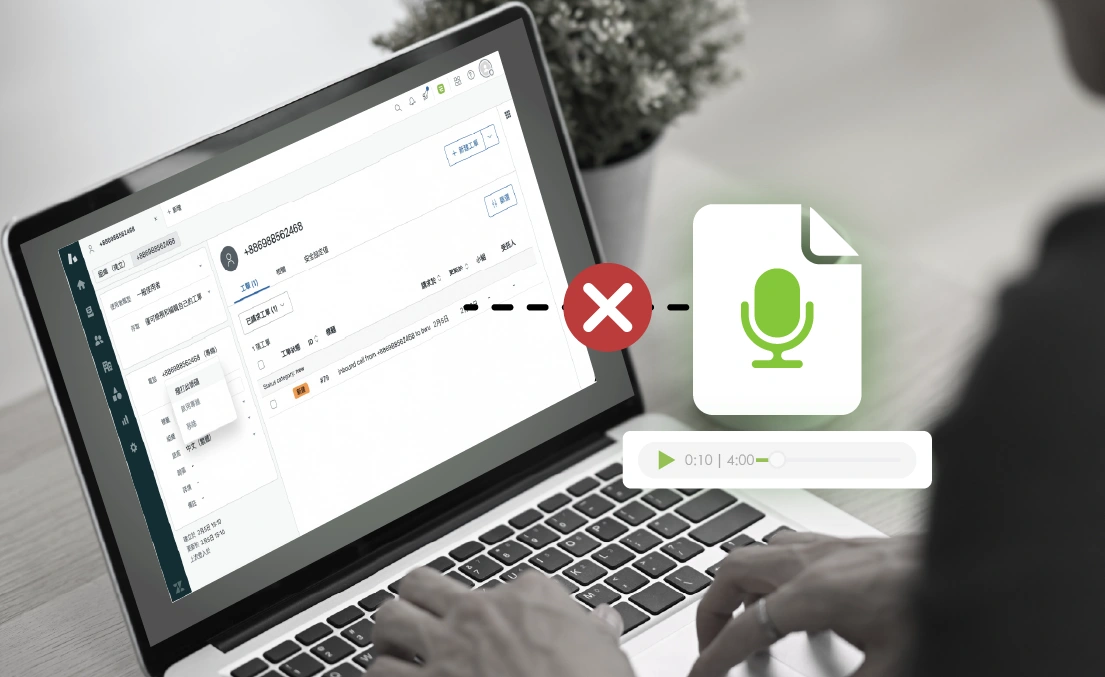
Process to retrieve recordings hinders review and service improvements

Retrieving call recordings not integrated with Zendesk is labor intensive and time-consuming. It gets in the way of responding to issues as they arise and gaining actionable insights from conversation data.

EVOX powered Zendesk — a seamless collaboration between customer calls and CRM

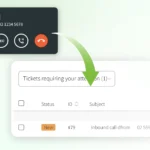
Auto-created tickets
preserve the complete contact history

Whether inbound or outbound, a Zendesk ticket is automatically created the moment a call is answered — eliminating the need for manual data entry.

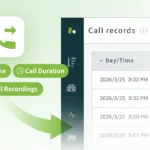
Automatic call log sync
keeps all communication records together

After every call, the system automatically creates a complete log linked to the corresponding customer record — including date, time, call duration and a recording link. Every contatct detail in one place.

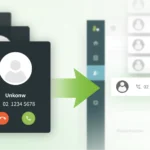
Auto-created records for unknown callers so you
never miss an opportunity

When an incoming number isn't found in Zendesk, the system automatically creates a new lead record — capturing every inbound call as a potential opportunity.

Instant information for a seamless customer experience

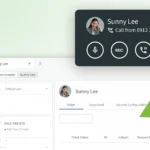
Automatic caller ID so you can
recognize your customer in 3 seconds

The moment a call comes in from an existing customer, their profile and contact history appear on screen, so your team can deliver informed, professional service from the get go.

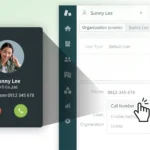
Click-to-call boosts your sales team's productivity

Click any phone number in Zendesk to dial — no tool switching, no manual input. Lets your team focus on high-value conversations.

Priority call routing makes every VIP customer feel special

Configure custom routing rules to automatically connect high-value customers — such as VIPs and enterprise accounts — to their dedicated agent, ensuring consistent service quality at every touchpoint.

Extract deep insights from every call
to drive better decisions and business growth

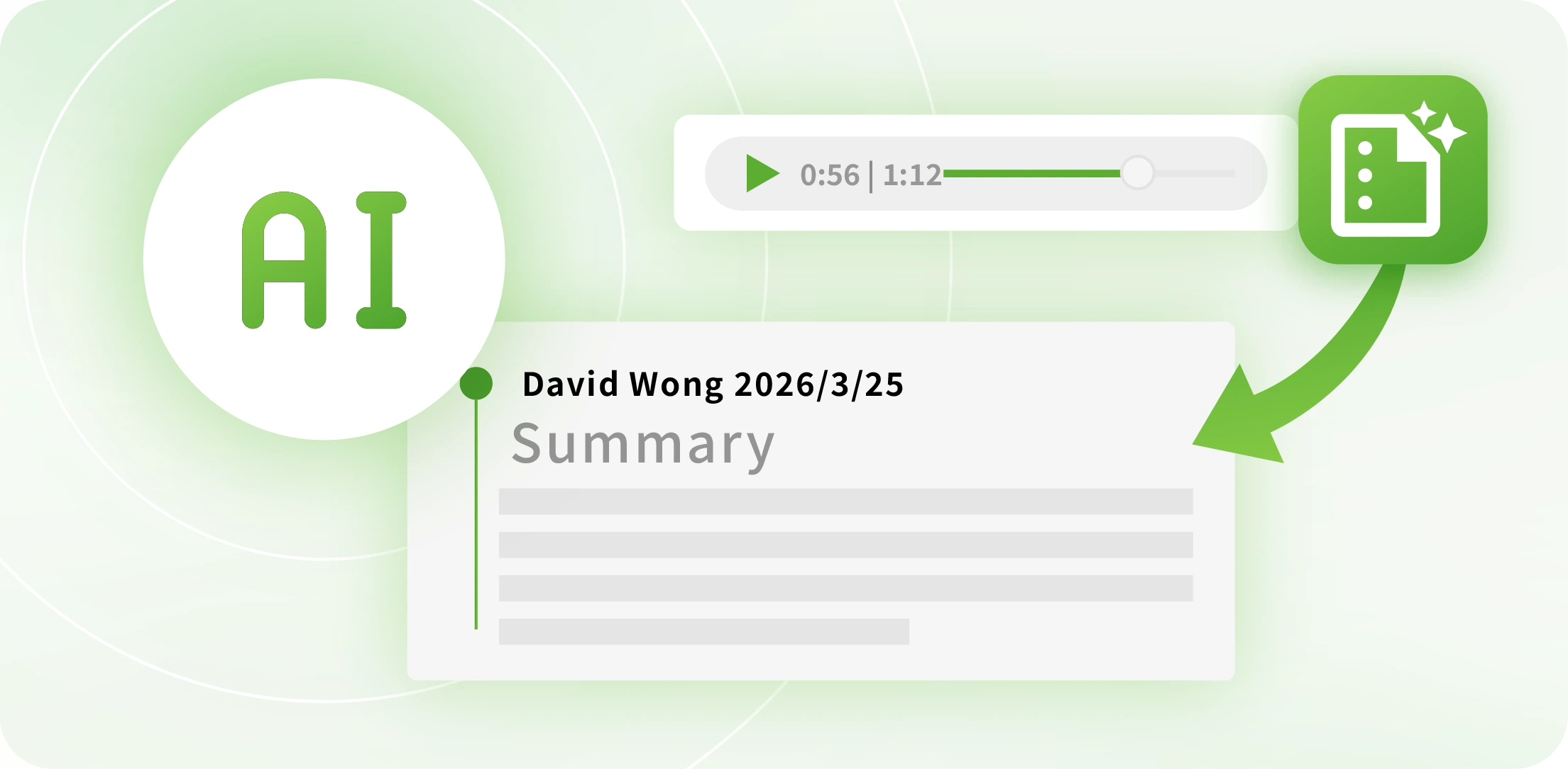
AI Auto-summary
captures key takeaways

With AI-powered voice-to-text and automatic summarization, key points are extracted from every call — so your team can quickly grasp the essentials without replaying recordings.

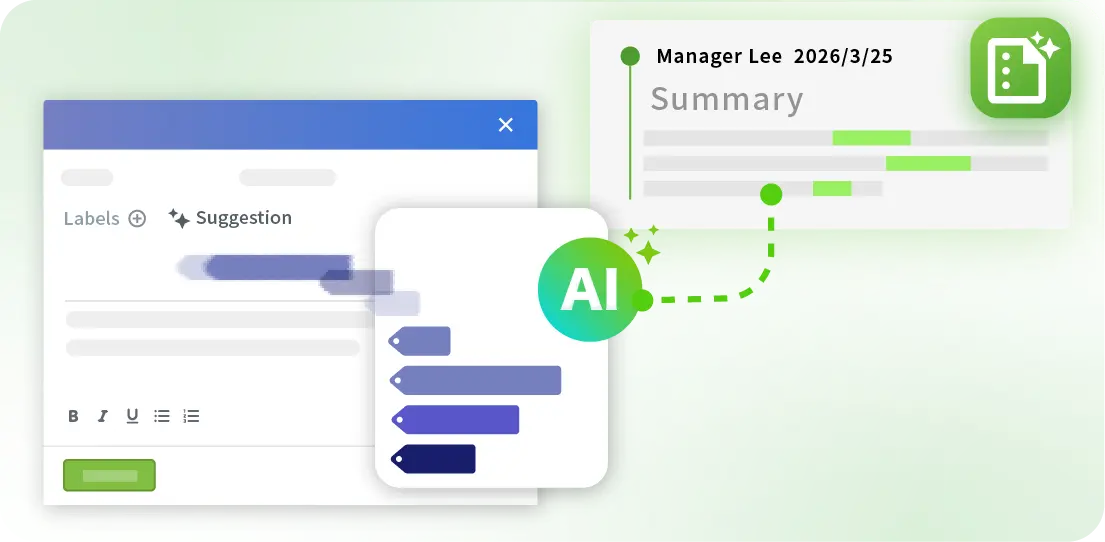
AI Smart Label
instantly documents what matters

AI analyzes transcripts and call content to automatically identify customer intent and apply relevant labels — reducing manual categorization time and helping your team search, track and analyze customer records with ease.

One-click recording playback so you can
review the details

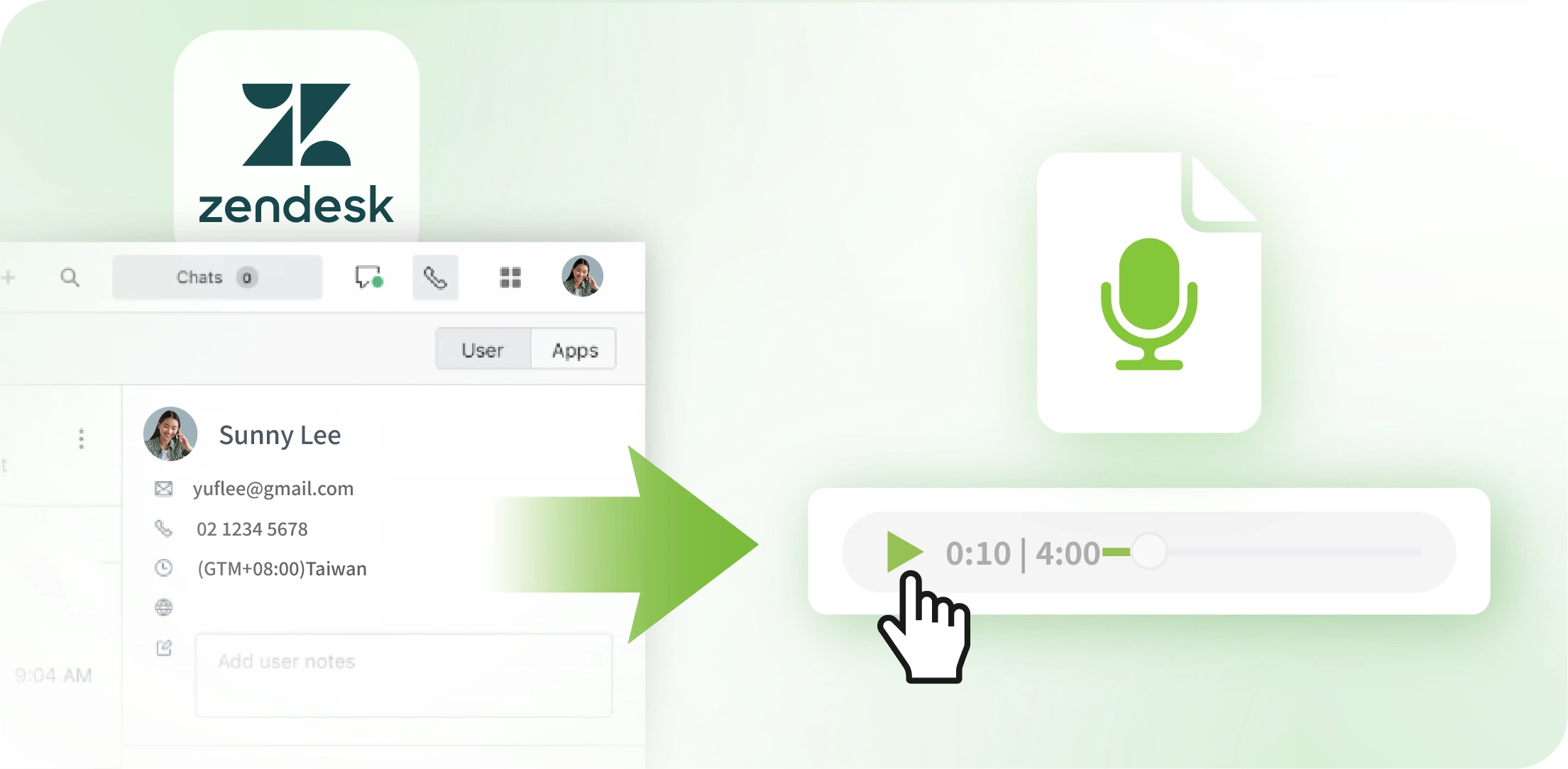
Call recordings are embedded directly within Zendesk customer profiles and available with a single click — no downloading or switching systems required. Say goodbye to tracking down and managing recordings with legacy equipment.

Now available on the Zendesk marketplace

Official integration app
trusted and ready for enterprise deployment

Contact Us

Tell us what you need and we'll build a tailored solution for you.

Frequently Asked Questions

A

Through the EVOX and Zendesk integration, businesses can connect Taiwan phone numbers directly to Zendesk. Once configured, agents can receive inbound calls, make outbound calls, and manage call logs entirely within the Zendesk interface — no system switching required, and phone workflows fit naturally into existing operations.

A

When an incoming number isn't found in Zendesk, EVOX automatically creates a new lead record, syncs the call log to a ticket, and links the new lead to that ticket — ensuring every inbound call is captured in the workflow for follow up.

A

Yes. Whether inbound or outbound, the system automatically creates a corresponding ticket and activity record in Zendesk the moment a call begins — making every call a trackable, actionable event.

A

Yes. After a call ends, the recording is automatically linked and displayed within the corresponding Zendesk ticket. Play it back with a single click — no need to switch to the EVOX platform or download any files, making it easy to review and clarify customer disputes etc.

A

EVOX automatically saves complete call information in Zendesk, including call time, call duration, answer status (e.g., missed call) and a link to the call recording if available.