
























EVOX Outbound Call Center

Dial automatically. Connect only to live customers. Let your team focus on real conversations.

The system automatically dials through your calling list and only routes calls to agents when a live connection is made. Combined with AI analysis, real-time monitoring and CRM integration, it supports a wide range of outbound calling scenarios including telemarketing, customer care, follow-up and different types of surveys.

Four common challenges for oubtound
sales and customer care teams

Too much time spent waiting for call pickups

Manual dialing means waiting for someone to answer. Telemarketing and customer care agents often spend less than 30% of their day in actual conversations.

Scattered and disorganized contacts

Outbound lists are spread across applications with no call history, making duplicate dials inevitable and leaving managers with no way to track progress.

No real-time view or visibility into call activity

Post-call notes are manually entered so customer intent and follow-up records are often incomplete. Managers have no real-time view of what is happening on the floor.

Complex hardware setup and high maintenance costs

Traditional outbound systems are hardware-first, requiring servers, PBX switches, or recording equipment. Implementation takes time.  Ongoing support drives up the total cost.

Four steps to fully automated outbound calling

Step 1

Import your calling list

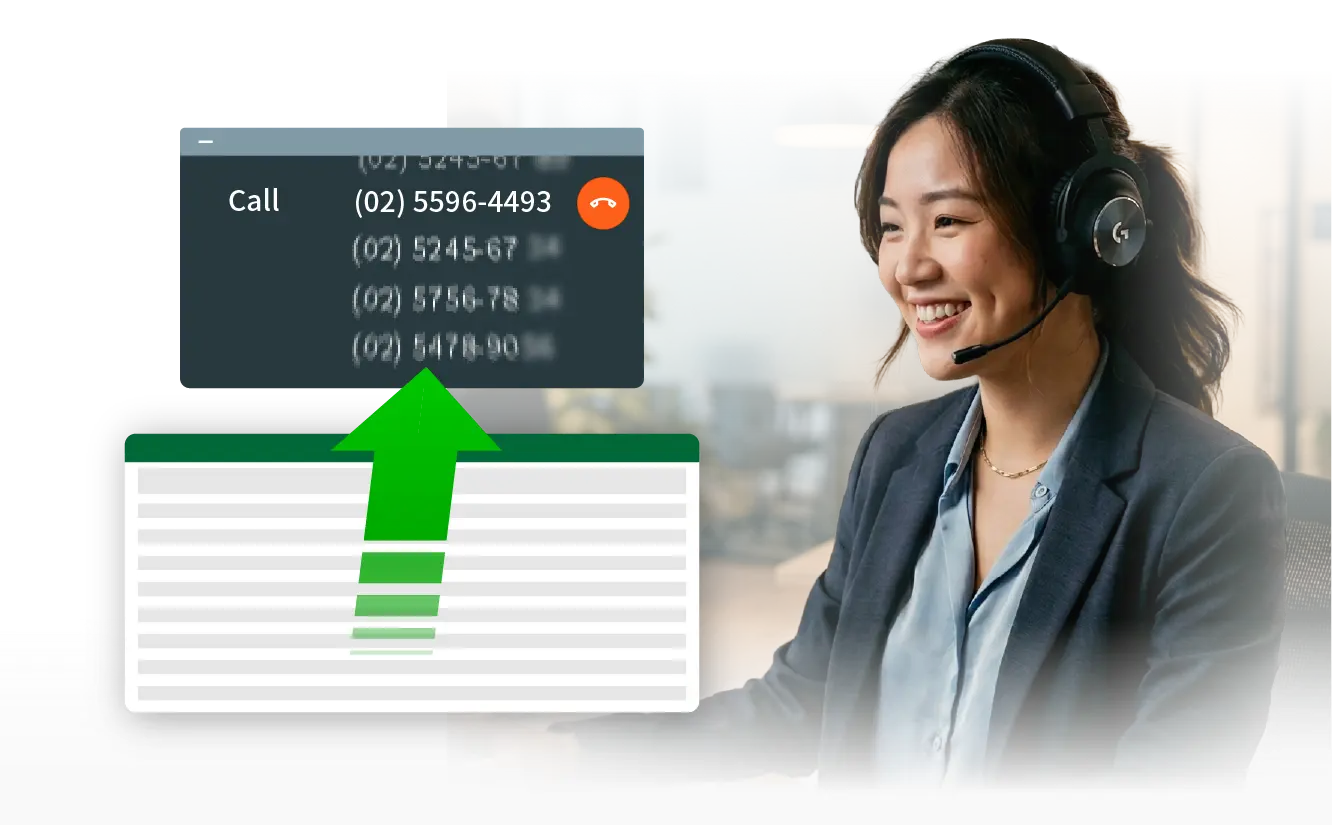
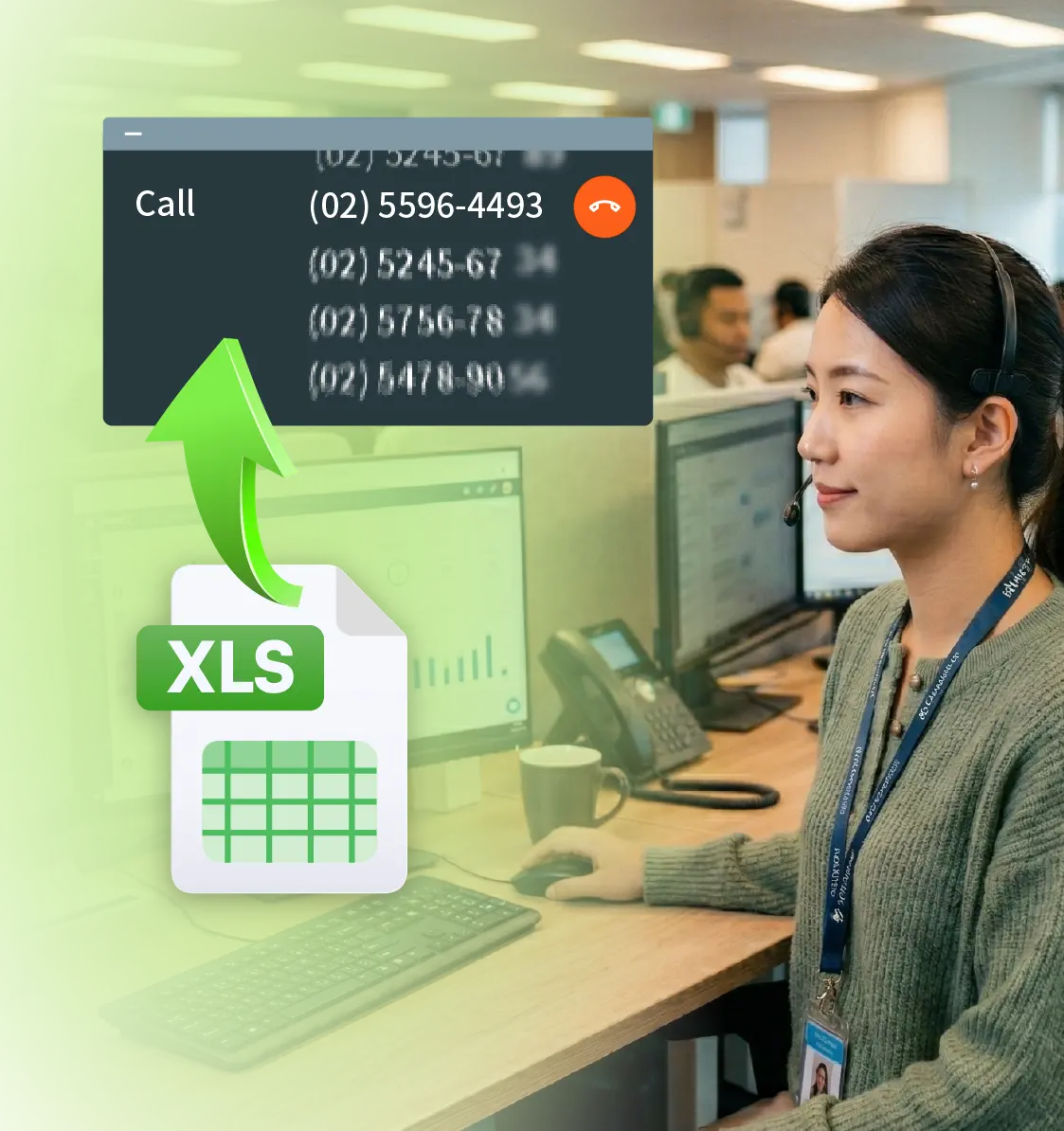
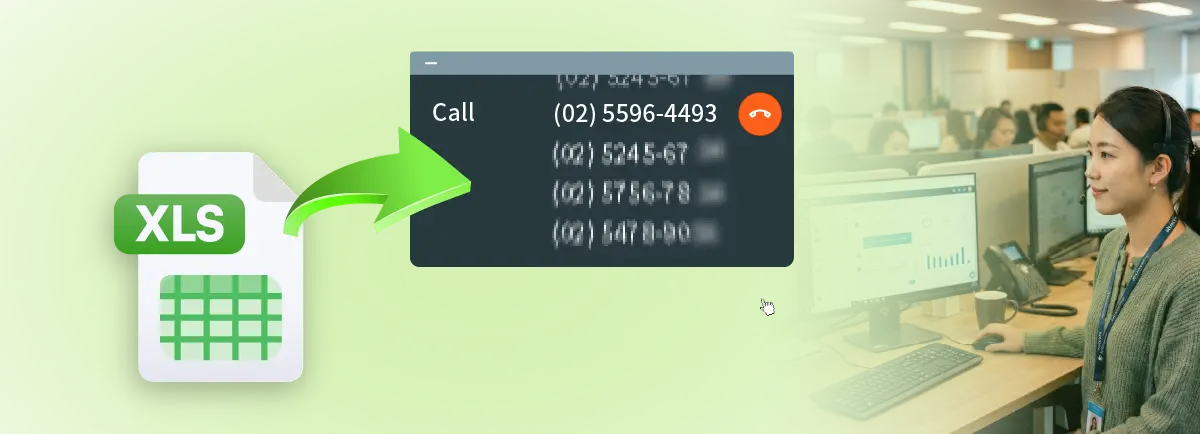
Upload an Excel or CSV file, configure calling windows and priority order and let the system make the calls automatically.
Step 2

System dials automatically

No manual dialing required. The system dials the list in order and moves to the next contact if there is no live answer.
Step 3

Live calls are routed to available agents

Calls are only transferred when a live connection is confirmed. Every call an agent receives is a real conversation.
Step 4

AI automatically creates summaries

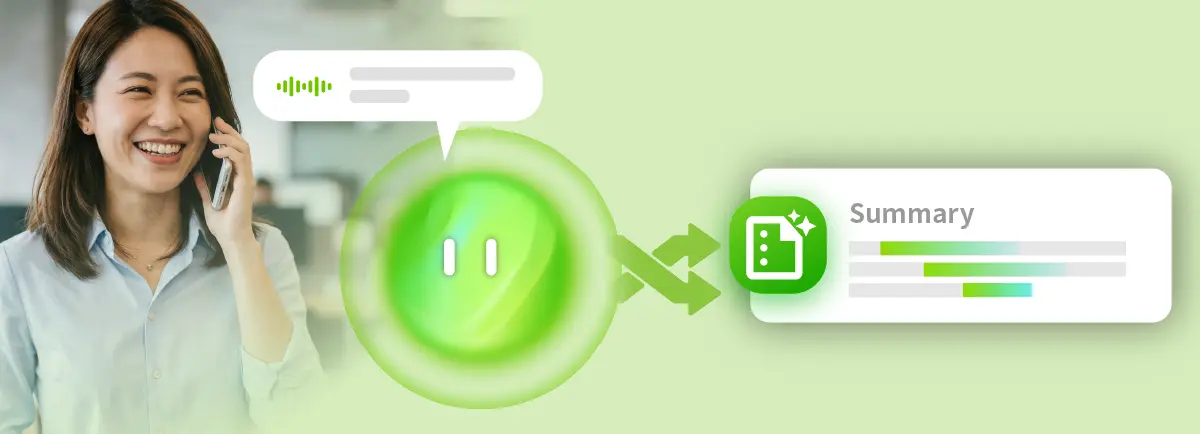
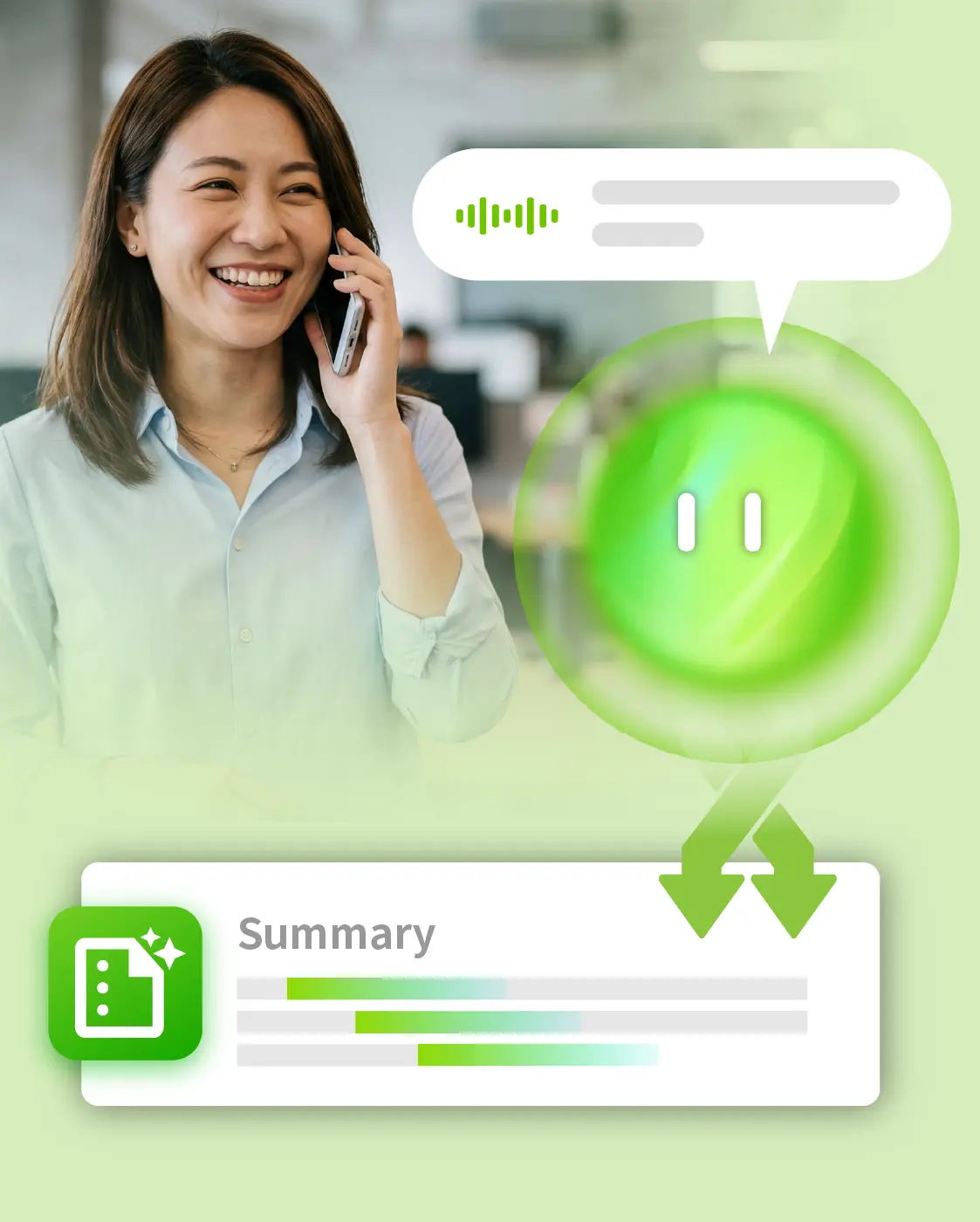
Once the call ends, AI can transcribe and compile key points. No manual note-taking. Complete call records are preserved.

Who is using auto dialers?

Business development (telemarketing)

Auto dialing frees sales agents from manual dialing so they can focus entirely on conversations, significantly increasing daily connected call volume and opportunities.

Customer care


Proactively outreach to existing customers on a regular schedule and remind them of appointments or payments. Stay on top of usage feedback to improve user experience and customer retention.

Surveys and polls


Combine survey scripts with customer response to automate data collection for customer rating or public surveys/polling.  Eliminate the time and cost of live phone interviews.

Everything from auto dialing to data analysis on one platform

Dialing list management

The core engine for outbound campaigns

Bulk list import (Excel / CSV)

Upload large contact lists in one step. Flexible scheduling allows automatic assignment of outbound tasks by time window and priority.

Automatic dialing

The system takes over the entire dialing process on one or more channels and only connects agents once a call is answered, eliminating idle time spent waiting for a live connection.

Customer response (surveys and intent confirmation)

The system plays a voice prompt during the call and asks customers to respond. For example: "Press 1 if you are interested, press 2 if not." Responses are recorded automatically with no manual intervention needed. List of use cases include call screening in telemarketing, customer satisfaction surveys, appointment confirmation, or public polling etc.

Auto callback

Coming Soon
Incoming calls received after work hours or outbound calls that failed to connect can be scheduled for callbacks automatically, so no business prospects are missed.

AI voice intelligence

Turning every call into actionable data

Text-to-speech(TTS)

Dynamically synthesizes personalized voice messages without requiring human recordings. Greetings and scripts can vary in real time based on contact list fields.

Personalized voice greetings

The system automatically pulls in variables such as name and title from the contact list to synthesize openers like "Good afternoon, Ms. Chen" or "Hello, Mr. Wang." Every auto-dialed call feels personalized, helping improve answer rates.

Post-call AI summary

AI compiles call highlights in real time with complete customer feedback captured and ready for manager review. No manual note-taking required.

EVAA customer intent classification

Coming Soon
EVAA analyzes call semantics and automatically tags intent levels so sales teams can prioritize follow-up with the highest-potential contacts.

Seamless EVAA to human handoff

Coming Soon
EVAA handles the initial screening and, once customer intent is confirmed, the call is transferred to a live agent for sales for the best outcome.

Management and monitoring

Real-time visibility for supervisors

Live supervisor dashboard

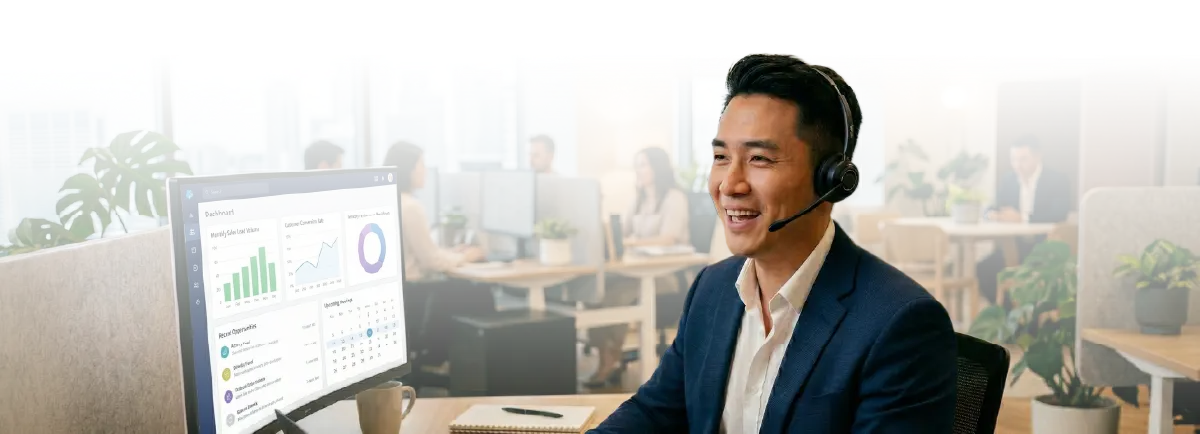
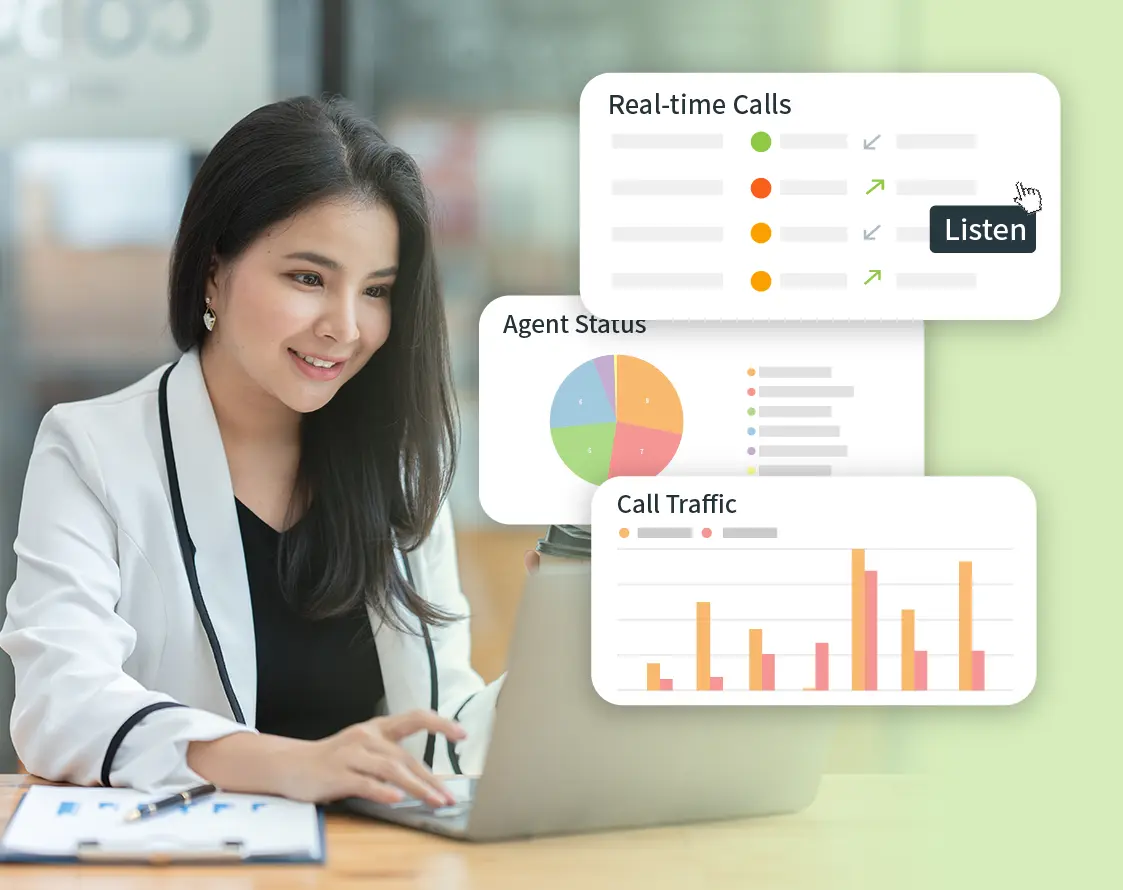
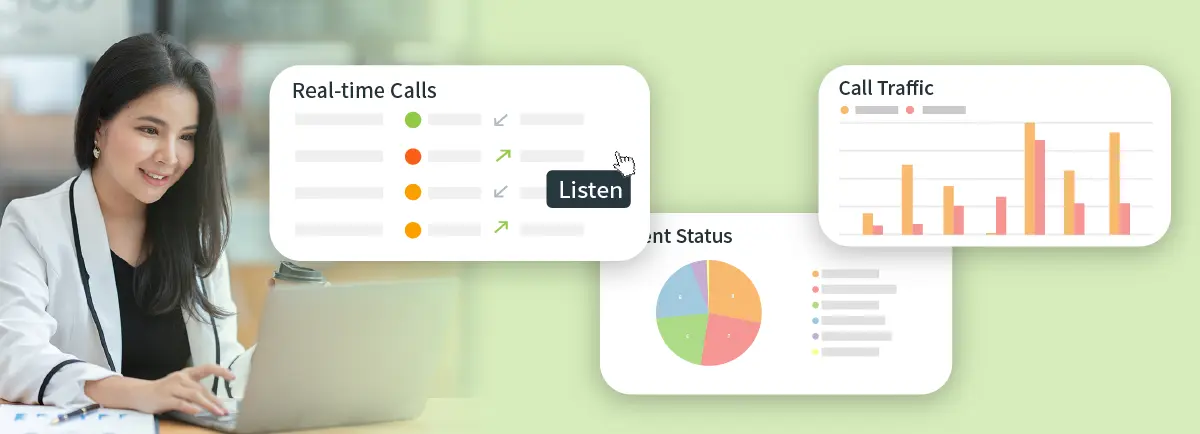
View the real-time call status and dialing progress of every call. Supervisors can step in and adjust resources at any time.

Visual management reports

Connection rate, call duration and list completion are all visible at a glance, improving management decisions and performance tracking.

Integrations

Fits seamlessly into your existing workflows

CRM and system API integration

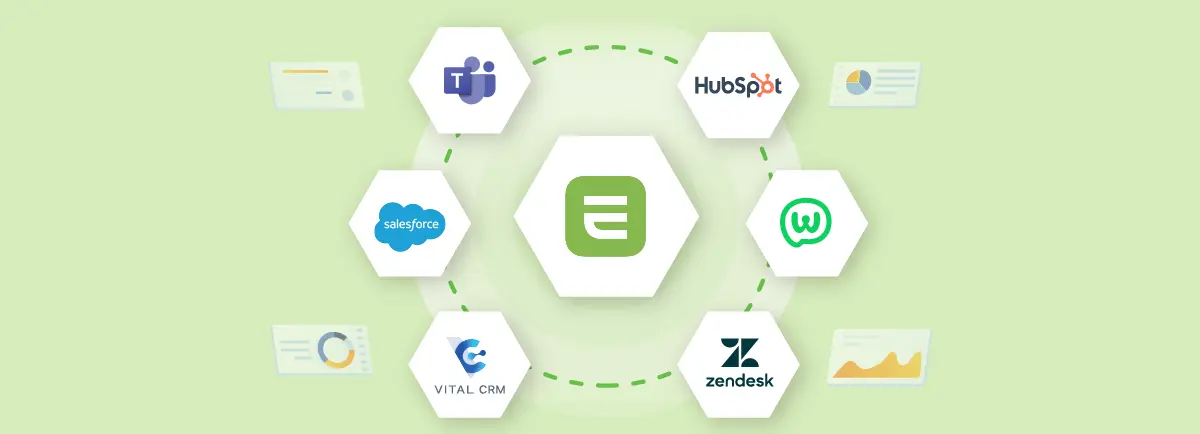
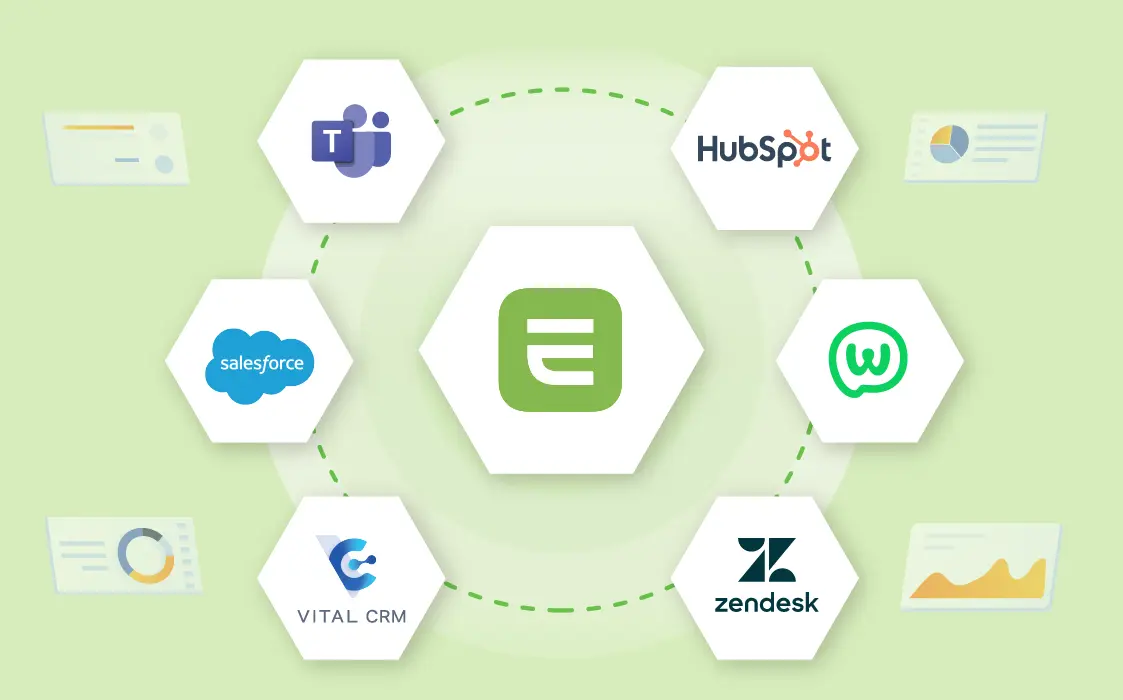
A comprehensive and developer-friendly API enables seamless connection with major CRM platforms or proprietary internal systems. Call records are written back automatically, eliminating data silos.

No hardware.
Ready as soon as your account is activated.

No hardware installation

No servers, no switches and no physical equipment to purchase. Setup costs and barriers to entry are dramatically reduced.

Fast activation

Once your account is activated, the system is ready to use immediately. Time to go live is significantly shortened.

Flexible scaling

Add seats whenever business volume grows. There are no hardware capacity limits, so the system scales on demand.

Contact Us

Frequently Asked Questions

A

With manual dialing, agents look up numbers one by one, dial them manually and wait for someone to pick up. Actual talk time often accounts for less than 30% of the work time. An auto dialer works through the contact list automatically and only connects agents when a live call is confirmed, so every agent focuses exclusively on real conversations. EVOX Intelligent Auto Dialer is built on this architecture and is widely used for telemarketing, customer care and call surveys. It adds AI call summaries and real-time monitoring so management gets full visibility into every interaction.

A

It depends on the system architecture. Traditional outbound systems typically require physical servers, PBX switches, or SBC equipment, resulting in long deployment timelines and high upfront costs. EVOX Intelligent Auto Dialer runs on a fully cloud-based architecture with no hardware purchases required. The system is ready to use as soon as your account is activated, with minimal IT involvement, making it ideal for teams that need to go live quickly.

A

DTMF (Dual-Tone Multi-Frequency) refers to the audio signals generated by telephone keypad presses. For outbound calling, the system plays a voice prompt during a call and asks customers to press a specific number key to respond, for example "Press 1 if you are interested in this offer, press 2 if you are not." The keypress result is captured and logged automatically with no manual intervention needed. This is well suited for intent screening in telemarketing, satisfaction surveys, public polling and quick confirmation use cases. EVOX Intelligent Auto Dialer supports DTMF keypress response (and natural voice response in the near future), so businesses can enable this feature directly within their outbound contact center without any third-party integrations.

A

Yes. EVOX Intelligent Auto Dialer provides a comprehensive API that connects with major CRM platforms and proprietary internal systems. After each call, call records, duration and customer responses are written back to the CRM automatically, eliminating manual transcription errors and delays while keeping business data consistent across all systems.