








EVOX Connect Omnichannel Conversation AI Labels

Find what you want faster. Use labels and AI to turn customer contact history into actionable data.

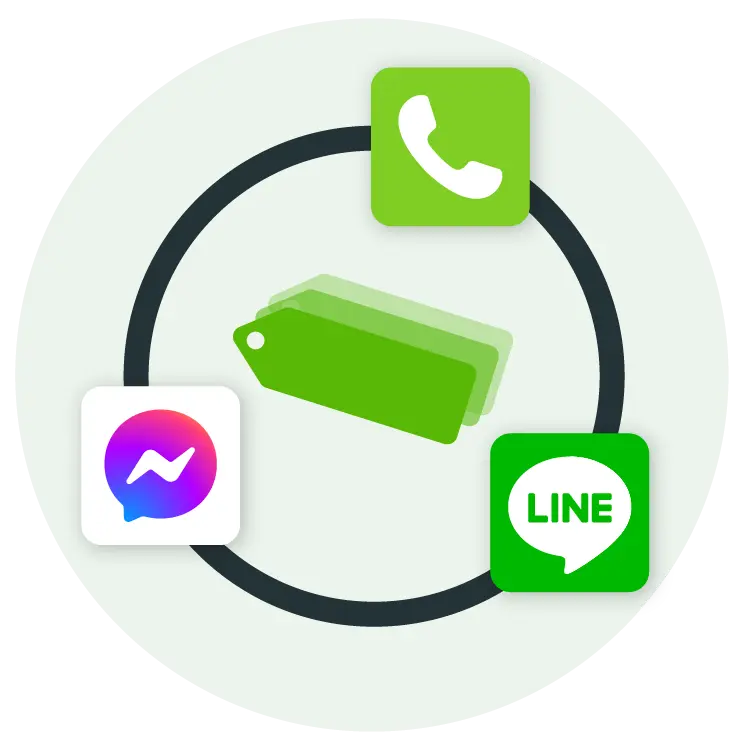
Unify labels across phone calls and social messaging (LINE / Facebook), enabling your teams to quickly tag key points and establish a consistent documentation process. With AI, voice transcripts and labeling become automatic. Easily search and analyze interactions to achieve better service and discover opportunities.

Are you facing these challenges?

Group 3 Copy
You want to gain deeper insights into customer feedback, but the overwhelming volume of calls and messages makes it difficult to organize and analyze.
Group 3 Copy
Phone and social media channels are managed by separate teams. Integrating and tracking data scattered across channels becomes a big challenge.

How omnichannel conversation AI labels can help

Label all conversations in one place

Supports multiple communication channels including phone, LINE and Facebook Messenger, ensuring every interaction can be labeled.

Easy search and analysis

With centralized label management, instantly filter specific records by topic or keyword — no more manually scrolling through call recordings or chat histories.

Seamless adoption across departments

Whether your team handles phone interactions or messaging, EVOX AI powered labels ensure complete and seamless documentation across all roles.

Identify customer trends

Analyze issue types and behavior patterns from your accumulated omnichannel label database, empowering managers to continuously refine operational strategies.

How your teams can leverage AI powered labels

Customer success | Boost efficiency and satisfaction

Quickly tag key points from incoming calls and LINE/Facebook Messenger messages to minimize time spent searching.

  • Complaint tracking: tag each handling stage so supervisors can monitor progress in real time.
  • Issue categorization: build a library of common issue labels to enable standardized responses.

Sales | Capture every opportunity

Effortlessly track customer interaction history to improve close rates and satisfaction.

  • Lead management: use labels to build a sales funnel and monitor progress.
  • Opportunity analysis: export records to analyze preferences and closing patterns.
  • Follow-up reminders: tag key points to keep opportunities moving forward.

Marketing| Track market responses and feedback; identify opportunities

Label different interaction scenarios to track market feedback and identify opportunities

  • Campaign tracking: tag event participation or trial status.
  • Customer feedback: organize feature suggestions and comments to support analysis.

Internal compliance/audit | Ensure complete and transparent records

Use labels to strengthen compliance workflows and quickly locate critical records.

  • Risk management: tag special cases for easy audit.
  • Compliance tracking: organize records by regulatory category to minimize dispute risk.
Contact Us

Leave a trail with labels, reconstruct every customer journey

Flexible label configuration

  • Customize label names to fit your exact needs; universal across phone, LINE, Facebook Messenger and other social media channels.
  • Share a unified label library across your team to maintain a clear and consistent tagging structure.

Real-time in-app labeling with AI assistance

  • Apply labels manually during an active call without disrupting the conversation or enable AI labels for automated post-call labeling.
  • Apply labels within LINE/Facebook Messenger conversations directly to tag customer needs or provide issue context.
  • Labels and notes can be added or updated after a contact session, ensuring records are complete and accurate.

Targeted data analysis for advanced management

  • Use label filters to precisely target specific call or messaging records.
  • Supports CSV export for further sorting and analysis.
  • Combine call labels and message labels to build a comprehensive contact history.

Interested in learning more or scheduling a product demo?

Frequently Asked Questions

A

Yes. You can add, edit, or delete labels within EVOX Connect Manager. Deleted labels are no longer available for new conversations but are retained on any conversation logs to which they were attached.

A

Yes. All label data can be exported with a single click for easy reporting, management and review. It can also be integrated with customer information to build a complete interaction history, helping managers track progress and improve service quality and decision-making efficiency.

A

This feature is available to all customers subscribed to the EVOX Connect Pro plan.

A

Call labels are used for phone interactions, helping teams quickly document key points from incoming calls. Message labels apply to instant messaging tools such as LINE and Facebook Messenger, enabling text-based support agents to clearly tag issues and resolution statuses. Both share the same EVOX label management library, ensuring consistency across all channels.

Boost your customer service
with EVOX Connect